Working with clients across several time zones multiplies the usual challenges of freelance project management. A deadline that seems clear in one time zone can be ambiguous or even wrong by the time it reaches a client eight hours away, and a single missed clarification can cost a full day of back-and-forth.
Staying organized in this situation isn't about working more hours to cover every time zone — it's about building systems that remove ambiguity before it causes a problem, rather than resolving confusion after it's already cost time.
Always State Deadlines in a Specific Time Zone
“End of day Friday” means something different depending on where the sender and recipient are sitting, and that ambiguity causes more freelance deadline disputes than almost anything else. Stating deadlines with an explicit time zone reference — UTC, or the client's own local time, clearly labeled — removes that entire category of misunderstanding.
This is a small habit that takes seconds to apply and prevents hours of confusion, especially around daylight saving time changes, which shift the overlap between time zones twice a year in ways that are easy to forget until a call lands an hour off. Setting a recurring reminder for the week daylight saving changes in any major client's region, not just one's own, catches this before it causes a missed call rather than after.
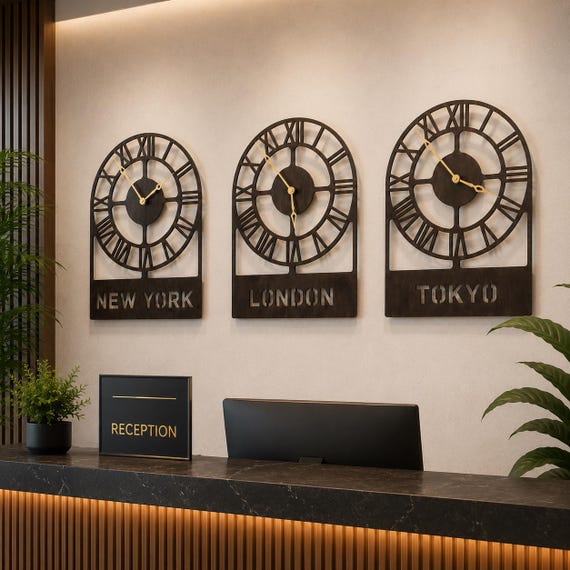
A well-set-up remote office makes this kind of discipline easier to maintain consistently, since the right tools are already in place rather than improvised each time a new client comes on board, which is usually when these kinds of small scheduling mistakes tend to happen in the first place, right when a new client relationship is still being established and first impressions matter most, long before enough mutual trust has genuinely had the chance to build up and absorb an awkward scheduling mishap gracefully without much fuss.
A Project Tracker Everyone Can Check Without a Meeting
Status update calls become harder to schedule the more time zones are involved, which makes a shared, asynchronous project tracker far more valuable than it is for a single-time-zone freelance practice. A simple shared document or project board where a client can see current status without waiting for a call removes a significant source of friction.
The tracker doesn't need to be complex — a basic list of project stages, a clear “waiting on” field, and a last-updated timestamp cover most freelance design projects without the overhead of a full project management platform. Clients tend to send fewer “just checking in” messages once they can see the status themselves at any hour.
Batching Communication Instead of Reacting to It
Checking messages continuously throughout the day feels responsive, but across multiple time zones it actually fragments focus without speeding up responses meaningfully, since clients in other zones are often asleep when a message arrives anyway. Checking messages at two or three set points in the day, rather than constantly, tends to produce faster real responses, not slower ones.
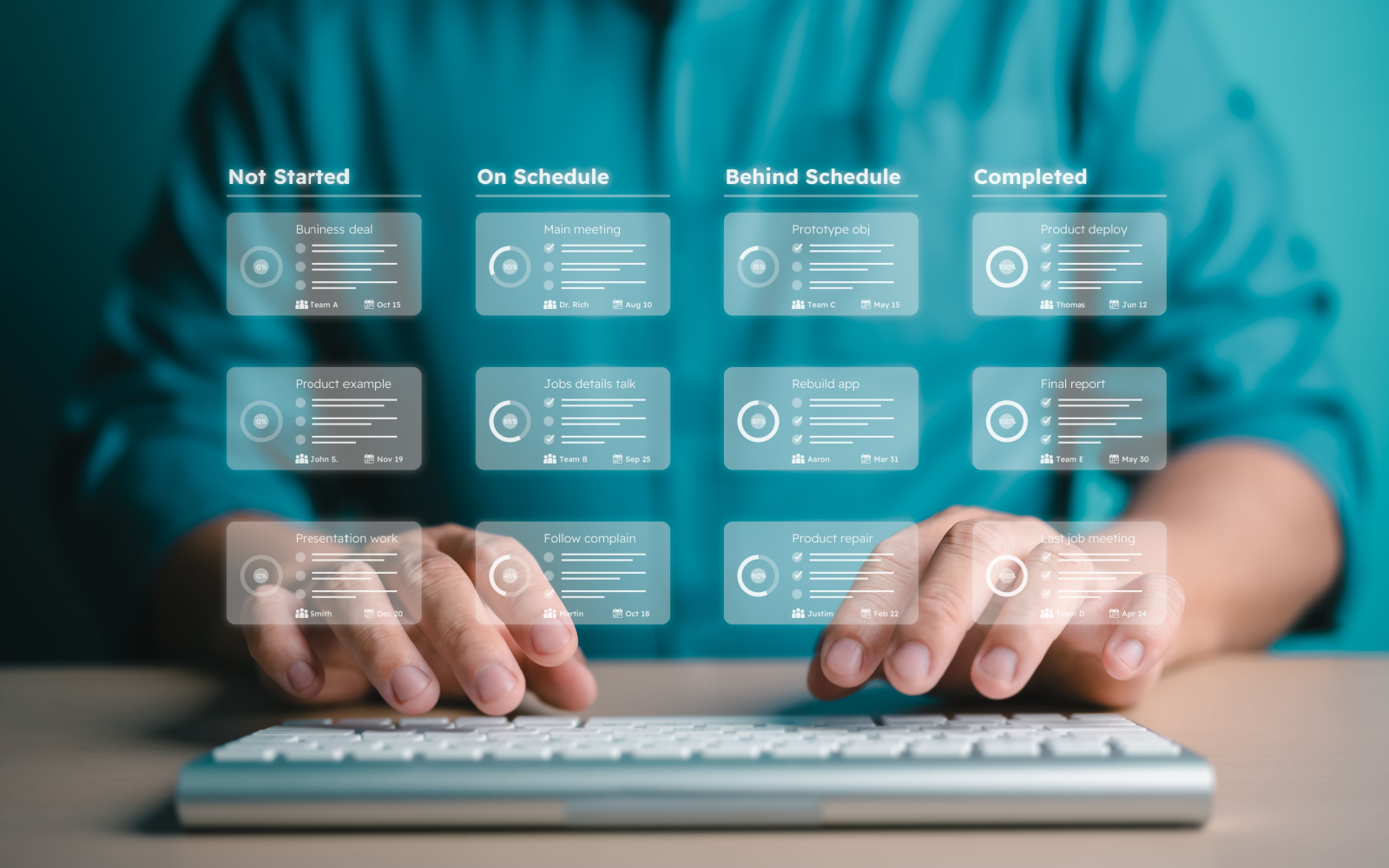
This batching approach pairs well with the daily-anchor structure described in this piece on structuring a freelance business, which covers similar ground from the business-development side.
Keeping File Versions Straight Across Time Zones
Version confusion gets worse across time zones because feedback often arrives while a freelancer is asleep, creating a gap between when a revision is requested and when it's actually seen. A clear file-naming convention — client, project, version number, date — prevents the common mistake of working from an outdated file after missing an overnight message.

Cloud-based file sharing with version history built in removes most of this risk automatically, but the naming discipline still matters for any files exchanged outside that system, like quick exports sent directly over email at the end of a long day.
Scheduling Calls Fairly Across Time Zones
When clients span several time zones, someone always ends up with a less convenient call time, and rotating who takes that inconvenience — rather than always defaulting to the freelancer's own late evening — tends to keep the working relationship healthier over the long run. A client who occasionally takes an earlier call to meet halfway usually appreciates being asked rather than assumed upon every time.

Keeping a running note of each client's usual availability, not just their nominal time zone, also helps, since stated business hours and actual responsiveness don't always match. This discussion on public relations for freelance designers covers a related angle on managing client relationships thoughtfully across distance.
A Simple System Checklist
- State every deadline with an explicit time zone reference
- Maintain one shared, asynchronous project tracker clients can check without a call
- Batch message checks to two or three set points daily instead of reacting constantly
- Use a consistent file-naming convention across every client and project
- Double-check for daylight saving shifts twice a year, since they move overlap windows
Frequently Asked Questions
How do I avoid deadline confusion with international clients?
Always specify the time zone when stating a deadline, rather than relying on a vague reference like “end of day.”
Do I need project management software to work with clients in different time zones?
Not necessarily — a simple shared document with clear status fields works for many freelance design projects without added complexity.
Is it better to respond to messages immediately or in batches?
Batched responses at set times usually work better across time zones, since constant checking rarely speeds up replies from clients who are asleep anyway.
What's the biggest risk with file versions across time zones?
Working from an outdated file after missing overnight feedback is the most common issue, which a clear naming convention and version history help prevent.