Designers who relocate every few months, whether by choice or by the nature of seasonal and project-based work, face a packing problem that occasional travelers don't: the kit has to function as a full studio, not just a temporary stand-in until they get home. There is no home desk waiting with the rest of the gear.
Building that kit means thinking in terms of a complete, self-contained setup rather than a travel version of a fixed studio, with redundancy built in for the things that are hardest to replace on short notice in a new location.
The Core Hardware Layer
A capable laptop, a compact tablet, and a pair of reliable headphones form the non-negotiable core of a portable kit. Beyond that, the temptation to add “just in case” gear should be weighed against the real cost of carrying it through airports and across unfamiliar transit systems repeatedly.
A second, smaller backup drive, kept separate from the primary portable SSD, is worth the extra weight specifically because replacing lost client data when relocating is far harder than replacing a physical item. A short list, reviewed before each move, of what actually got used in the last location versus what just added weight keeps the kit honest over time. Items that haven't been touched in two or three relocations are usually safe to retire from the bag entirely, regardless of how useful they seemed when first packed. Building a financial safety net alongside the physical kit matters just as much for freelancers who relocate often, since the usual stability of a fixed address and a predictable routine isn't there to fall back on when something goes wrong mid-move, whether that's a delayed flight, a cancelled booking, or a client emergency landing at the worst possible moment during an already stressful and thoroughly unfamiliar first week in a brand-new city.
Adapting to Local Infrastructure
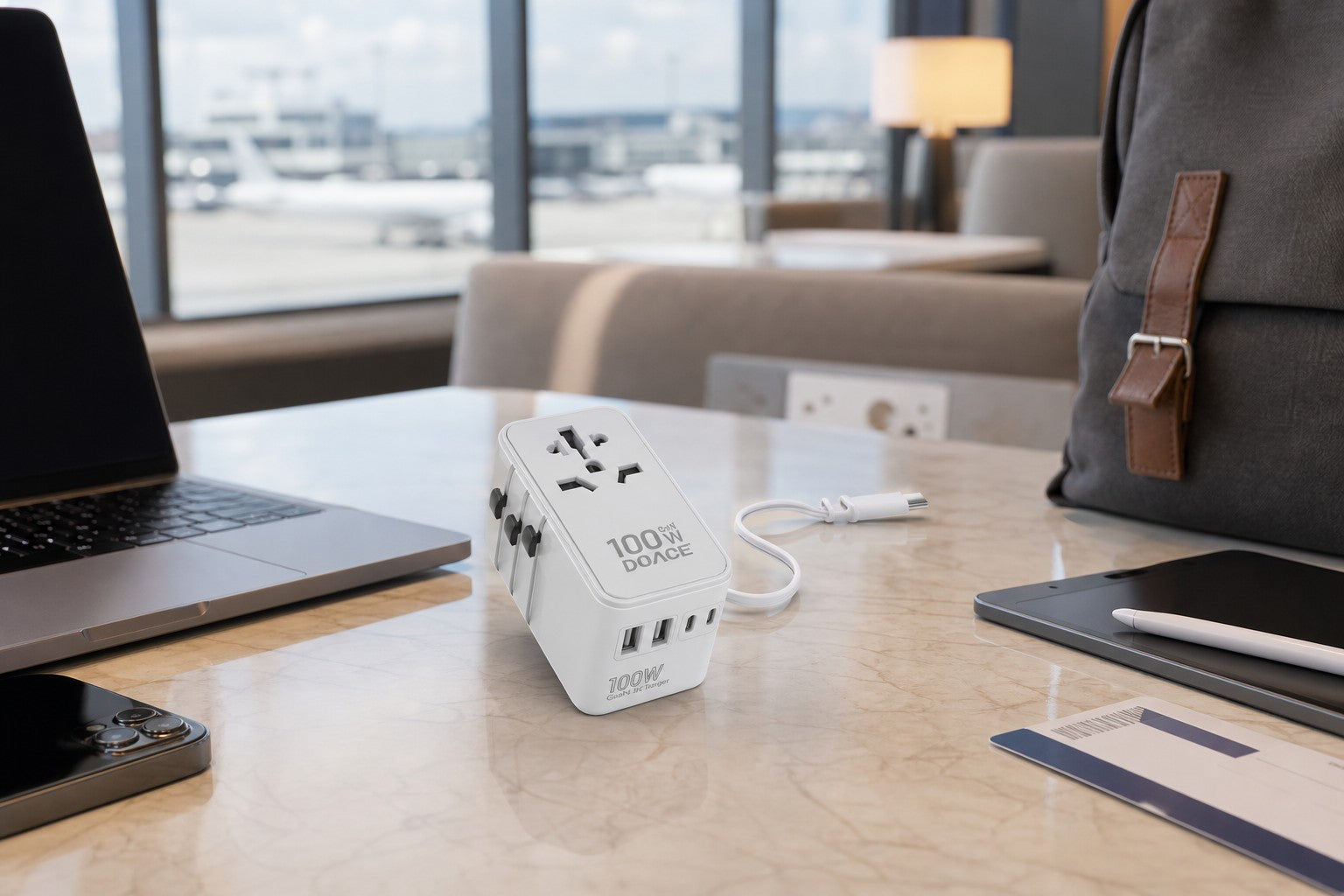
Every new location comes with different power standards, different typical internet speeds, and sometimes different expectations around co-working availability. A universal power adapter and an unlocked phone capable of using a local SIM for tethering solve most of the infrastructure unknowns before they become problems on the first day in a new place.
Researching the co-working or café landscape of a new location before arriving, rather than after settling in, saves the first week of lost productivity that often comes with figuring out where reliable Wi-Fi actually exists. A quick search or a question in a local freelancer group usually turns up the answer faster than trial and error.
Software That Travels as Well as the Hardware
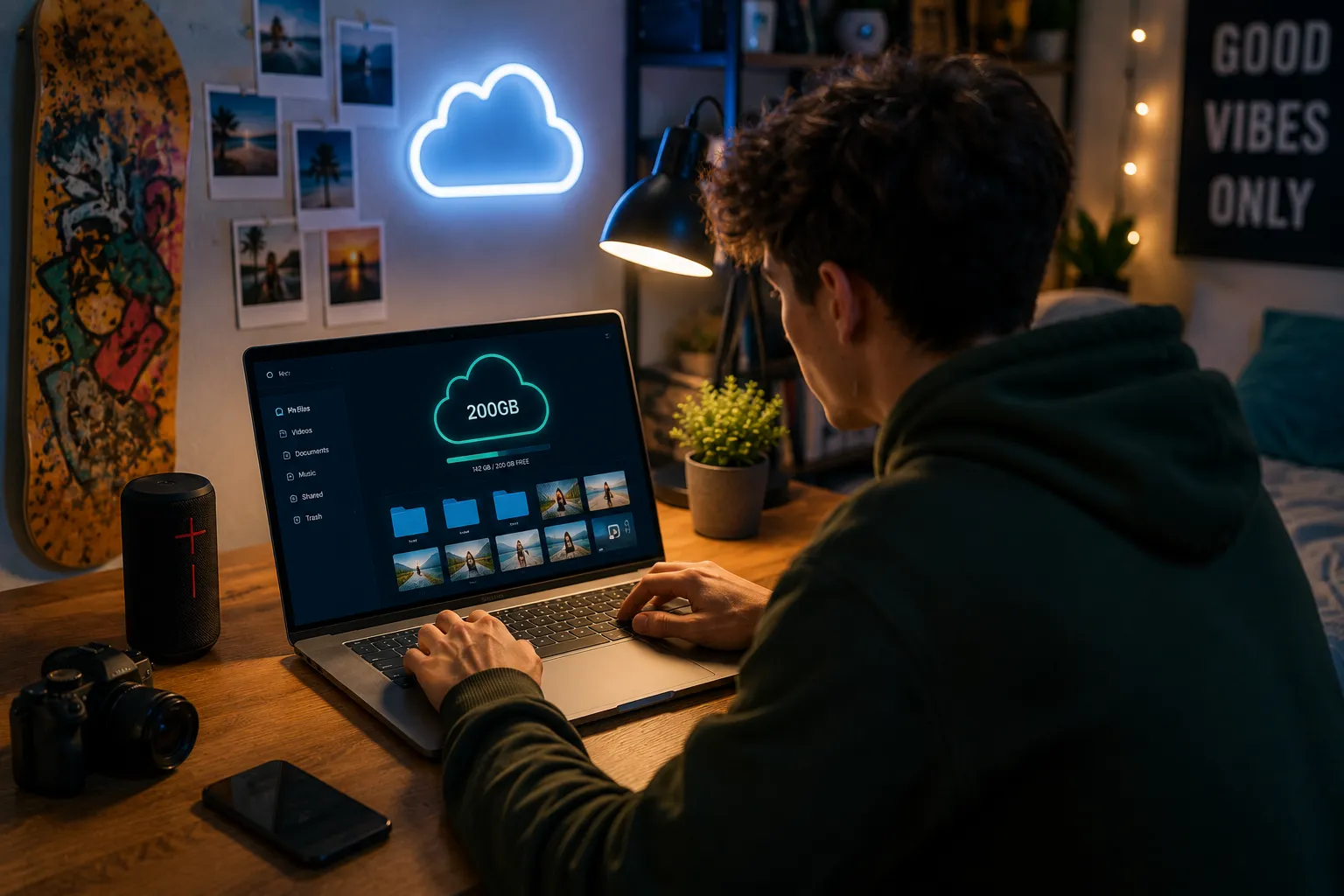
Offline access to design files matters more for frequently relocating freelancers than for anyone working from a stable base, since a gap in connectivity during a move can otherwise mean a full stop on active projects. Keeping a local, synced copy of current project files, not just a cloud-only version, prevents those gaps from becoming deadline problems.
The same applies to software licenses — confirming that design tools can be activated or re-authorized without requiring a specific, stable internet connection avoids an unpleasant surprise during a move between countries, particularly for subscription software that periodically checks in online.
Deciding What Doesn't Travel
Not everything from a home studio setup earns a place in a portable kit. Large monitors, elaborate lighting rigs, and bulky ergonomic chairs all stay behind by necessity, which means accepting a temporary dip in comfort during each relocation in exchange for the flexibility of the lifestyle itself.
Framing this trade-off honestly, rather than trying to replicate a full home studio on the road, makes the actual kit lighter and more realistic to maintain long-term. A folding laptop stand and a compact travel mouse close most of the comfort gap without adding real weight to the bag.
Building a Local Network Wherever You Land
A portable kit covers the hardware side of relocating often, but the practical side of settling into a new place quickly matters just as much. Local freelancer meetups, co-working space bulletin boards, and even casual conversations in a shared kitchen often surface the kind of knowledge that no packing list can replace — which café actually has fast Wi-Fi, which print shop handles large-format proofs, which landlord is used to short-term freelance tenants.

Online freelance job boards and communities can serve a similar purpose remotely, connecting with other traveling freelancers before even arriving somewhere new, while this review of a book on sustainable freelancing covers the broader mindset shift that this kind of frequent relocation tends to require.
The Portable Kit Checklist
- Laptop and charger, packed separately to avoid leaving one behind
- Compact drawing tablet
- Primary portable SSD plus a smaller secondary backup drive
- Noise-cancelling headphones
- Universal power adapter
- Unlocked phone capable of local SIM tethering
- Offline-accessible copies of current project files
Frequently Asked Questions
How do I avoid losing client files when relocating frequently?
Keep a local synced copy of active project files in addition to cloud storage, so a connectivity gap during a move doesn't stop work entirely.
Is it worth carrying a second backup drive on top of a primary one?
Yes, for freelancers who relocate often — replacing lost client data is a much bigger problem than the extra weight of a second small drive.
What should I research before relocating to a new location for work?
The local co-working and café landscape, typical internet reliability, and power standards are worth checking before arrival, not after.
What home studio equipment should I accept leaving behind when traveling?
Large monitors, lighting rigs, and bulky chairs are usually not worth the weight and cost of transporting repeatedly.