Natural light changes how colors look on screen more than most designers account for. A layout that looks balanced under daylight can shift noticeably under the warm cast of an incandescent bulb at night, which is one reason client-approved colors sometimes look “off” the next morning in a different room.
This isn't a case for working exclusively by a window — too much direct sun causes its own problems, from glare to overheating a laptop. It's a case for understanding what light is actually doing to a workspace and adjusting for it deliberately, instead of treating lighting as an afterthought behind the desk and the monitor, something that's easy to postpone indefinitely until a client flags a color problem directly.
How Daylight Affects Color Judgment
Daylight sits close to 5500-6500K on the color temperature scale, which is why most color-accurate monitor profiles are calibrated to a similar range. Working under light that's much warmer, like common incandescent bulbs around 2700K, subtly shifts how the eye perceives on-screen color, making blues look duller and warm tones look more saturated than they actually are.
This matters most for client-facing work — brand colors, print-ready files, anything where the exact hue has to translate consistently from screen to a different device or to print. A quick fix for an otherwise exhausting problem is to keep ambient lighting in the 5000K range even when working at night, rather than letting the room shift from daylight to a warm lamp as the sun goes down.
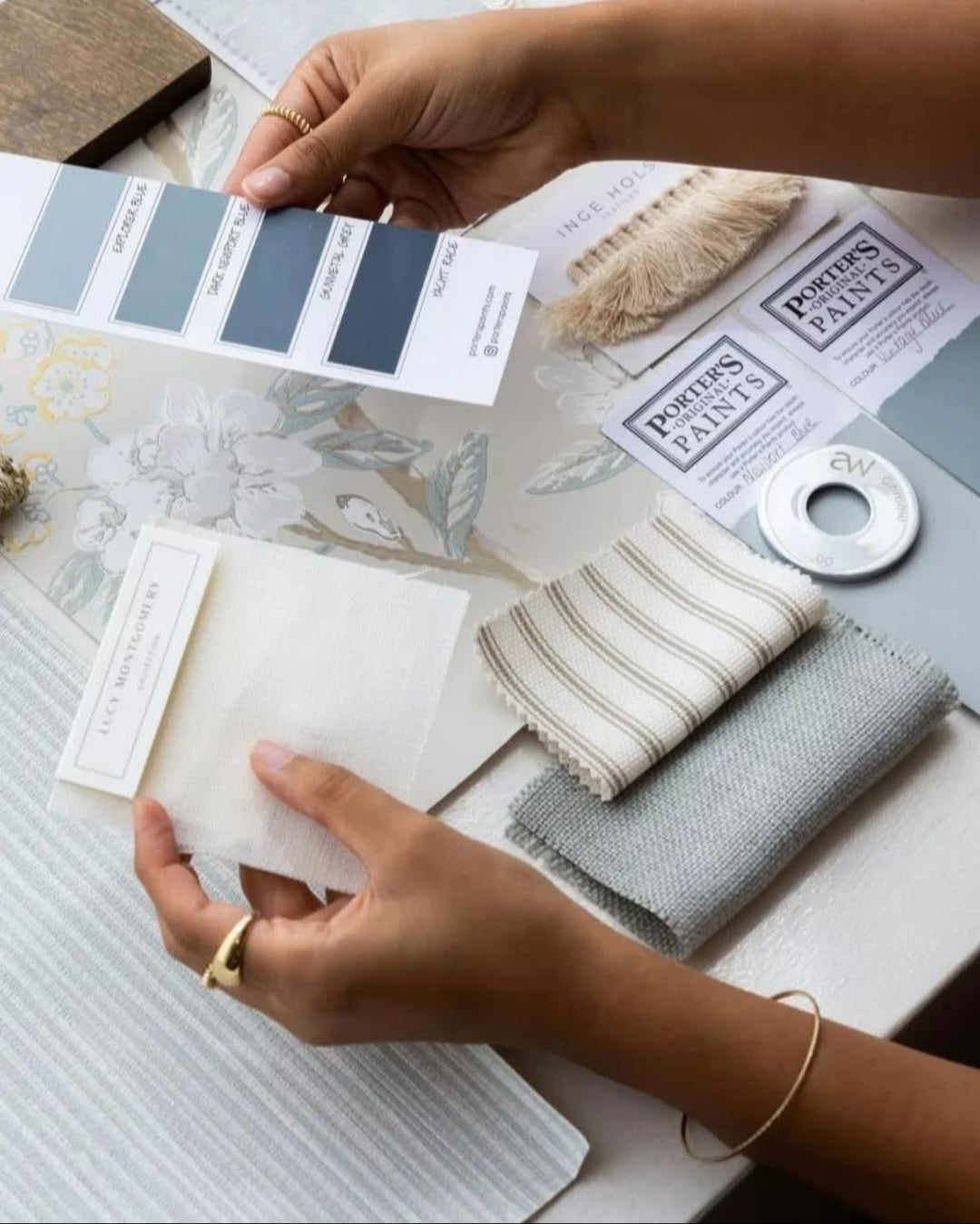
Checking a near-final file under two different light sources before sending it to a client — once under the work lamp, once under whatever overhead light the room has — catches color-perception surprises before the client does, a habit worth pairing with the broader setup advice in this rundown of remote office essentials, which treats lighting as one piece of a larger setup rather than an afterthought bolted on at the very end.
Positioning a Desk Relative to a Window
The common advice to “face the window” or “sit with your back to it” both miss the actual issue, which is contrast. A window directly in the field of view makes the eye adjust to the brighter outdoor light, which darkens everything on screen by comparison. A window directly behind the monitor does the same thing in reverse, washing out the screen with glare.
The more workable position is side-on: the window to the left or right of the desk, so natural light fills the room without competing directly with the screen. A simple adjustable blind lets that light be dialed back on especially bright days without blocking it entirely, which matters for anyone working through a full afternoon as the sun moves across the sky.
When There's No Natural Light at All
Interior rooms, basement studios, and some co-living setups simply don't have a usable window, and that's a real constraint, not a failure of workspace planning. Full-spectrum LED panels, built to mimic daylight's color temperature, are a reasonable substitute — not identical to real daylight, but close enough for most design work when paired with a calibrated monitor.
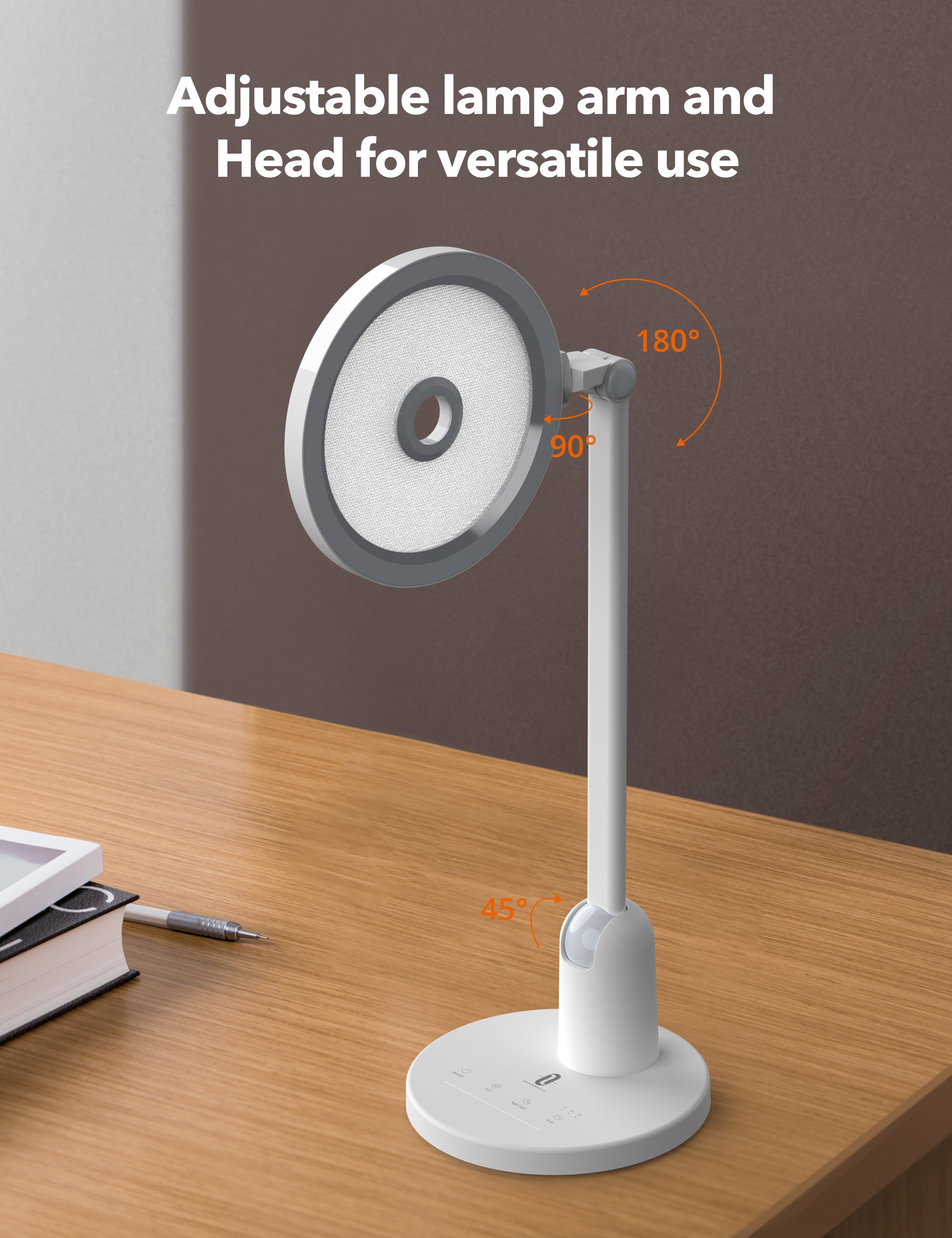
The mistake to avoid is relying on mixed lighting — one warm bulb and one daylight-balanced panel in the same room creates inconsistent shadows and color casts that are worse than either option alone. Replacing every bulb in the room to match, rather than adding a single corrective lamp, gives more consistent results over a full workday.
Eye Strain Is a Lighting Problem as Often as a Screen Problem
Long design sessions take a toll on the eyes regardless of lighting, but poor lighting accelerates it. A screen that's much brighter than its surroundings forces the eye to constantly readjust, which is a bigger contributor to end-of-day eye strain than screen brightness alone.
Matching ambient room light roughly to screen brightness, rather than working in a dark room with a bright screen, reduces that readjustment and makes long sessions noticeably more comfortable — something the ultimate home office setup piece also touches on from a different angle. A five-minute break every hour to look at something further than the screen, ideally something outside a window if one's available, gives the eyes a chance to reset in a way lighting alone can't fully solve.
Seasonal Light Changes Nobody Plans Around
A workspace that's perfectly lit in summer can become noticeably worse by winter, simply because the sun sits lower in the sky and the daylight hours shrink. A desk positioned fine for a June afternoon might face direct, blinding glare during a December morning, when the sun angle is completely different.
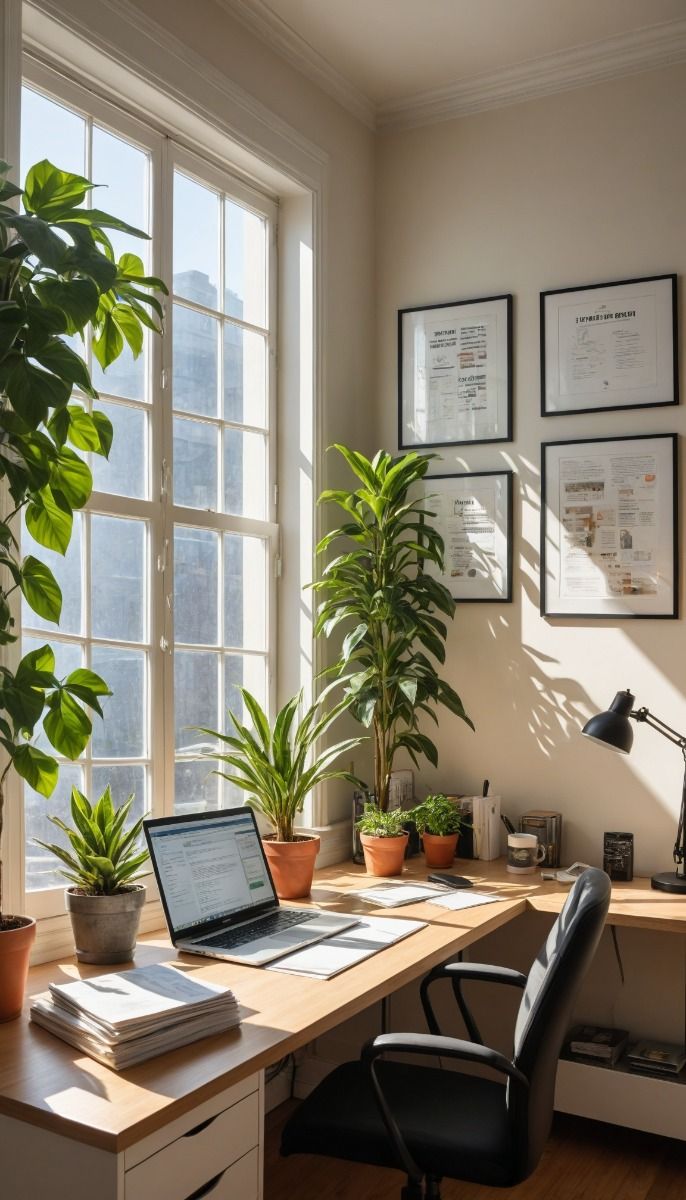
Revisiting desk position and lamp placement twice a year, at the seasonal extremes rather than only when something feels obviously wrong, catches this kind of drift before it becomes a daily annoyance. It's a small check, similar in spirit to the general workspace maintenance habits worth building into any freelance routine.
Frequently Asked Questions
What color temperature should my desk lighting be for design work?
Somewhere in the 5000-5500K range is a reasonable match for daylight and for most monitor calibration standards.
Is it bad to work with a window directly behind my monitor?
Yes — it creates glare on the screen and makes colors harder to judge accurately. A side-positioned window works better.
Can LED panels really replace natural light for design work?
Full-spectrum LED panels get close enough for most practical purposes, especially combined with a calibrated monitor, even if they're not a perfect substitute.
Why do my client-approved colors sometimes look wrong later in the day?
Shifting light temperature across the day changes how color is perceived, even if the file itself hasn't changed at all.