A good design studio doesn't need a big budget or a spare room. It needs a stable work surface, consistent lighting, a monitor you can trust for color, and enough storage that clutter stops eating into your focus. Most of the gear that matters is cheap, and most of the money people spend on home offices goes toward things that look nice in photos but don't change how the work gets done.
This matters more for freelance designers than almost anyone else, because the studio is also the place where client calls happen, where files get reviewed on screen, and where deadlines get met or missed. A cramped, badly lit corner makes every one of those things harder, even if the work itself is good. The setup below walks through the four things actually worth spending on, in the order they matter.
Start With the Desk, Not the Decor
The desk is the one piece of furniture that determines whether everything else works. A worktop that's too shallow forces the monitor too close to your eyes; one that wobbles under a tablet stylus will wreck your line work. Look for at least 60cm of depth if you're running a single monitor, more if you're adding a drawing tablet beside the keyboard.
You don't need a standing desk converter or a custom-built unit. A flat door blank on two filing cabinets costs less than most pre-made desks and is sturdier than half of them. If you already have a desk that wobbles, tightening the leg bolts and adding felt pads under each foot solves more problems than replacing it outright, and it takes about ten minutes.
Desk height matters just as much as depth. Elbows should rest at roughly a 90-degree angle when typing; a desk that's too tall forces the shoulders up all day, which shows up as neck tension by the third or fourth hour. Danny Outlaw's own setup, documented a while back in his Costa Rica office tour, is a good reminder that a studio doesn't have to look like a catalog page to be functional — it has to fit how you actually work, in the space you actually have.
Lighting Before Anything Else Gets Upgraded
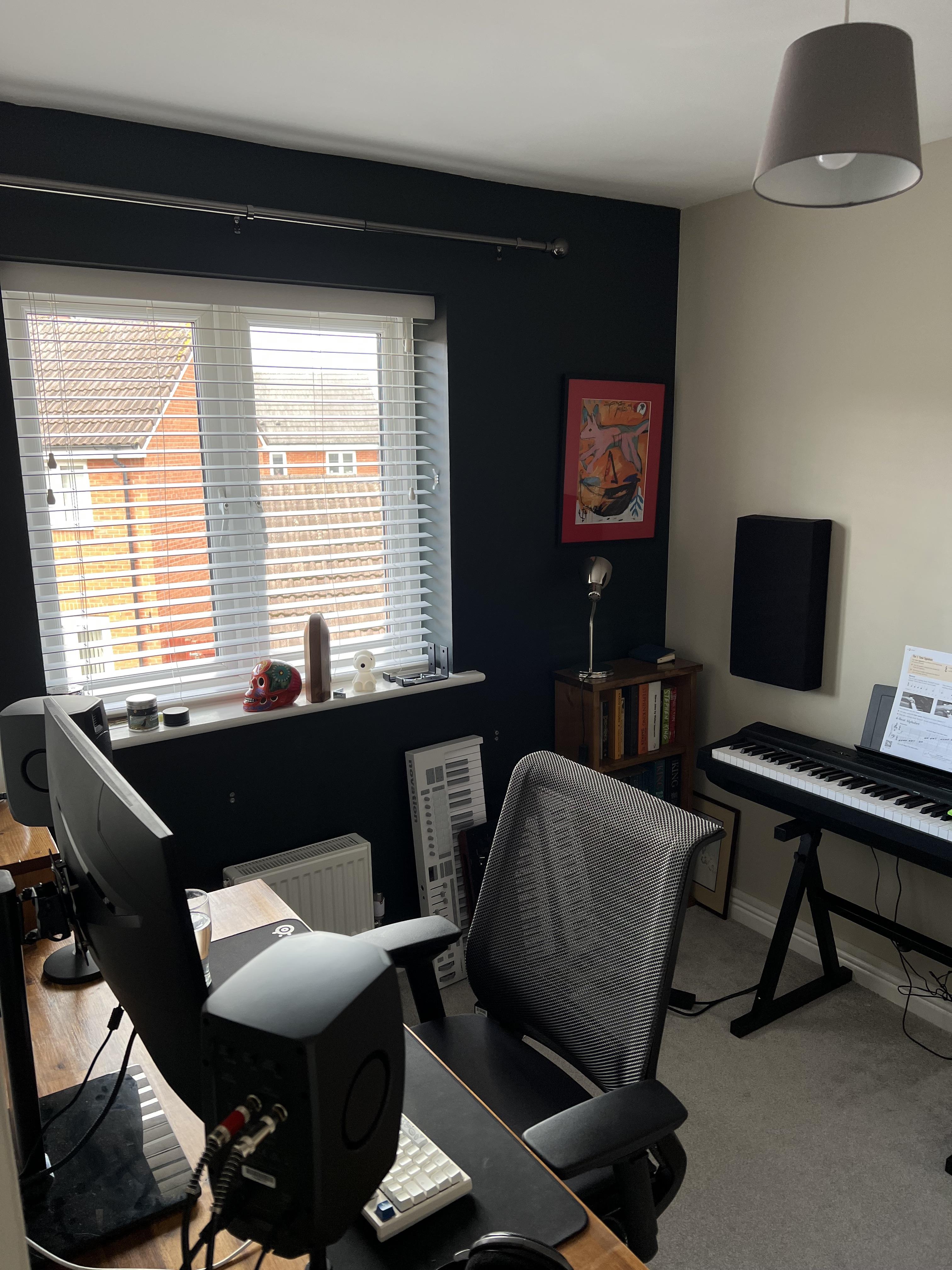
Color accuracy starts with the room, not the monitor. A desk lamp with a daylight-balanced bulb (around 5000K) sitting to the side of your monitor, not behind it, removes most of the glare and eye strain that builds up over a long session. Avoid working directly under a single overhead bulb — it casts shadows across the desk and makes screen glare worse at night.
If natural light is available, position the desk so the window is to the side rather than facing it or with your back to it. Facing a window blows out the screen; sitting with your back to one throws glare straight onto it. A simple adjustable blind lets you dial that light back on especially bright afternoons without blocking it out completely.
A $15 clip-on lamp and a $20 bias-lighting LED strip behind the monitor, which reduces contrast strain against a dark room at night, cover almost everyone's needs. Save the smart-lighting setups with app controls and color presets for later — they're a comfort upgrade, not a functional one.
A Monitor Worth Trusting
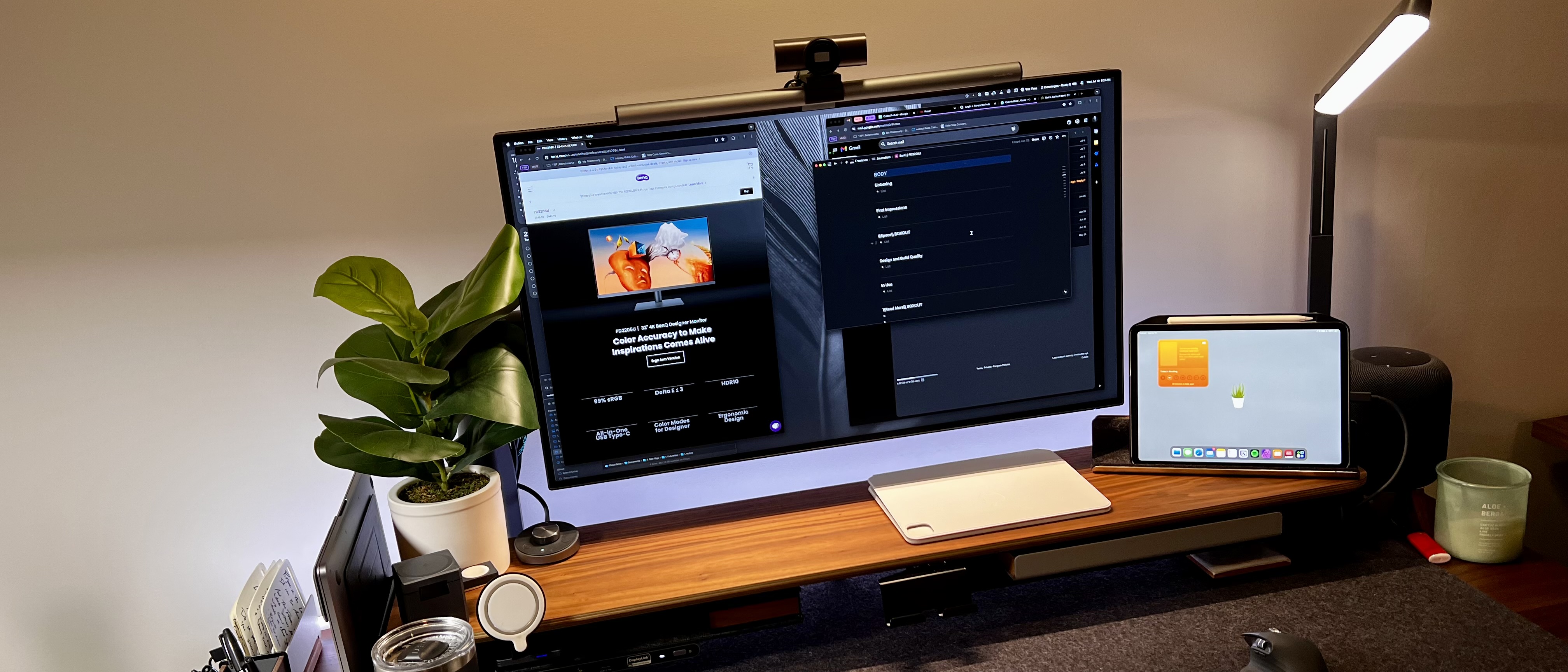
You don't need a $1,000 reference display to do solid client work, but you do need a monitor that doesn't lie to you about color. Budget IPS panels in the $150-$250 range are consistent enough for most web and print design, as long as you calibrate them. A $30 colorimeter clipped to the screen once a month will catch drift that your eyes won't notice day to day, especially after a panel has been running for a year or more.
Resolution matters more than size for detail work — a smaller screen at a higher pixel density shows cleaner edges on vector work than a cheap, larger panel stretched to 1080p. If budget allows only one monitor, prioritize panel quality over screen real estate; you can always zoom in on a crowded layout, but you can't fix a panel that shifts color depending on the viewing angle.
A monitor arm, even a basic clamp-mount one under $40, is worth adding once the panel itself is sorted. It clears desk space and lets you set the screen at proper eye height instead of stacking it on books, which is a cheap fix for a surprising amount of neck strain.
Storage That Keeps the Desk Clear
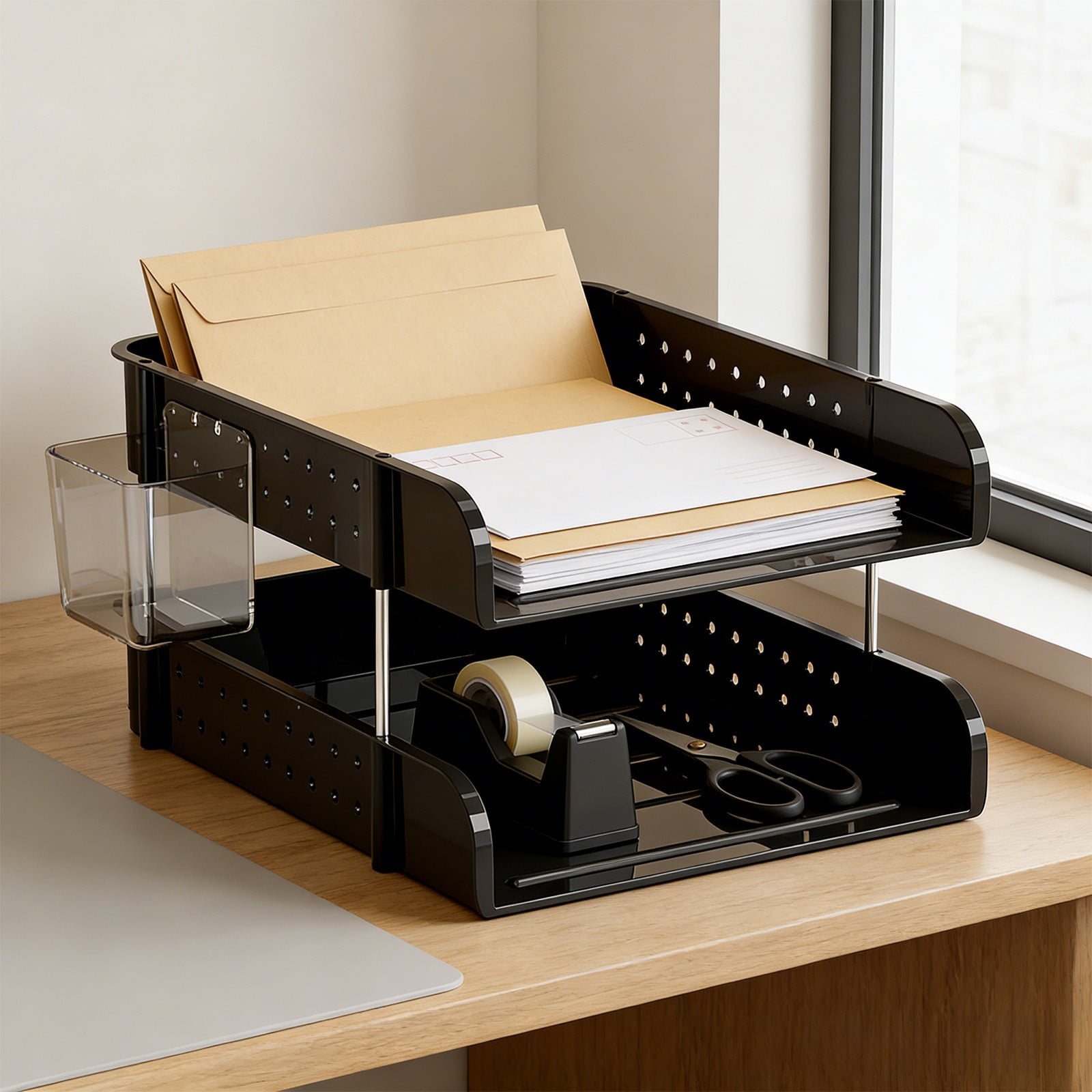
Clutter on a design desk isn't just visual noise — cables, old hard drives, and stacks of reference printouts physically limit how much surface you have for actual work. A single under-desk drawer unit for cables and a wall-mounted pegboard for frequently used tools, like a stylus, headphones, or a backup drive, clears more usable space than a bigger desk would.
For digital clutter, the same logic applies: a dedicated external drive for active client projects, separate from your personal backup, keeps your main drive from filling up mid-deadline. Label folders by client and date, not by project nickname — it's the difference between finding a file in five seconds or five minutes when a client calls asking for a revision from eight months ago.
A short list of what's actually worth having within arm's reach — stylus, one notebook, headphones, a single reference book — tends to work better than a desk organizer with a dozen compartments that all eventually get filled with things that don't need to be there. More general ideas for keeping a freelance practice organized, not just the desk itself, are covered in this piece on building the ultimate home office setup.
Keeping the Studio Up to Date Without Overspending
A minimalist studio isn't a one-time purchase — gear wears out, and chairs in particular lose their support well before they look worn on the outside. Checking a chair's lumbar support and a monitor's color accuracy roughly once a year, rather than waiting for an obvious failure, catches the kind of slow decline that's easy to adjust to without noticing.
Secondhand gear is worth considering for anything that doesn't need to be brand new — office liquidation sales and secondhand marketplaces regularly carry barely-used monitor arms and chairs at a fraction of retail cost. The same logic doesn't apply to the monitor panel itself, where unknown usage history makes color consistency harder to trust. For more ideas on stretching a tight budget across a freelance practice generally, not just the studio, the blog's resources category is worth browsing.
A Simple Studio Setup Checklist
- Desk with at least 60cm depth, stable enough that typing doesn't shake the screen
- Side-positioned lamp with a 5000K daylight bulb
- Calibrated monitor, checked monthly with a colorimeter
- Monitor arm to free desk surface and set correct eye height
- One dedicated external drive for active client files
- A chair with lumbar support — even a cheap one is better than a kitchen chair for a full workday
Frequently Asked Questions
Do I need a second monitor to work efficiently as a designer?
It helps for reference material and client calls, but it's not essential. Many designers work comfortably on one well-calibrated screen, especially in a small space.
How often should I recalibrate my monitor?
Monthly is a reasonable baseline for most budget and mid-range panels, since color drift happens gradually and isn't always visible day to day.
What's the cheapest way to improve lighting in a small studio?
A single daylight-balanced desk lamp positioned to the side of the monitor solves most glare and color-perception problems for under $20.
Is a standing desk worth the cost for a design studio?
It's a comfort upgrade, not a necessity. A stable, properly sized seated desk with a good chair and a monitor arm covers most people's needs just as well.