There's no single correct desk setup for freelance design work, and that's partly why so many different approaches keep showing up across the field. A motion designer juggling multiple timelines needs a different layout than a logo designer who spends most of the day in a single vector file.
What follows is a look at a few common setup patterns, not as a ranked list but as a way to figure out which approach actually matches how a given designer works, rather than copying whatever setup looks best in a photo online.
The Single-Monitor Minimalist
A surprising number of experienced designers work on one screen by choice, not necessity. The logic is simple: a single monitor forces a cleaner workflow, with fewer open windows competing for attention, and it travels better if the work sometimes happens outside the home studio, as covered in this rundown of remote office essentials.
This setup works best paired with good window management software and keyboard shortcuts for switching between reference material and the active file, since there's no second screen to park a browser tab on permanently. Some single-monitor designers lean on a tablet or phone propped beside the keyboard for quick reference instead, which gets most of the benefit of a second screen without the desk footprint.
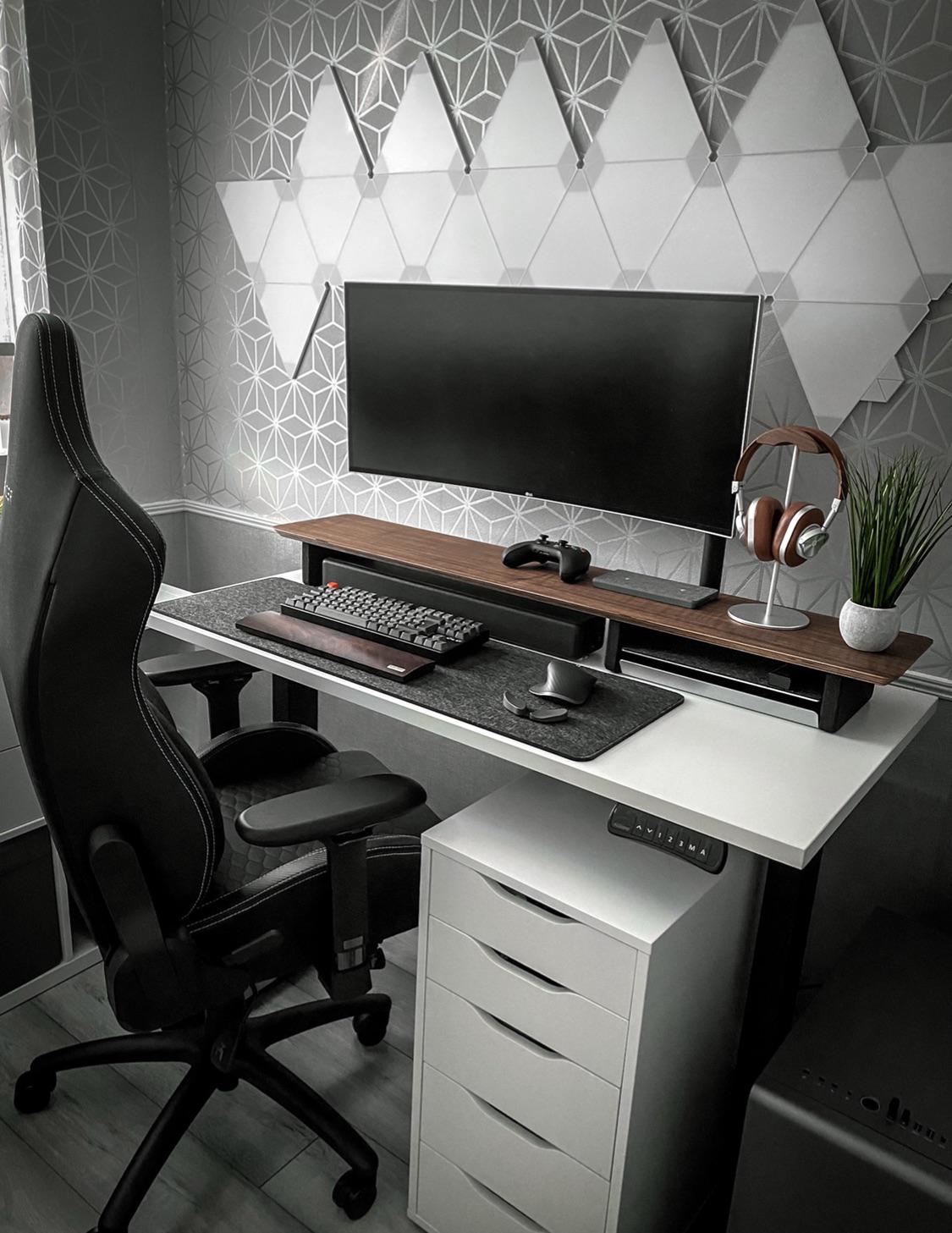
This approach also tends to force a cleaner file organization habit, since there's no second screen to leave a dozen reference tabs open on indefinitely — anything worth keeping around has to earn a place in the single visible workspace, which over time tends to produce a tidier project folder structure as a side effect.
The Dual-Monitor Standard
Two monitors — one for the active design file, one for reference, email, and client communication — is still the most common studio setup among freelance designers who work from a fixed desk. It removes the constant alt-tabbing that a single-monitor setup requires, which adds up over a full day of switching between a layout and a client brief.
The main decision here is matching, not just adding a second screen. A mismatched pair, especially in color accuracy, means the “reference” screen can't be trusted for actual color decisions, only for layout checks and communication. Buying two of the same panel, even a cheaper model, usually beats pairing one good monitor with whatever spare screen was already in a closet. This look at the ultimate home office setup goes into more detail on matching displays for a consistent color workflow.
The Tablet-Forward Setup
Illustrators and designers doing heavy retouching work often build their desk around a tablet with a built-in screen rather than a traditional monitor-plus-mouse arrangement. This setup trades some of the multitasking convenience of a dual-monitor rig for direct, pressure-sensitive control over the work itself.
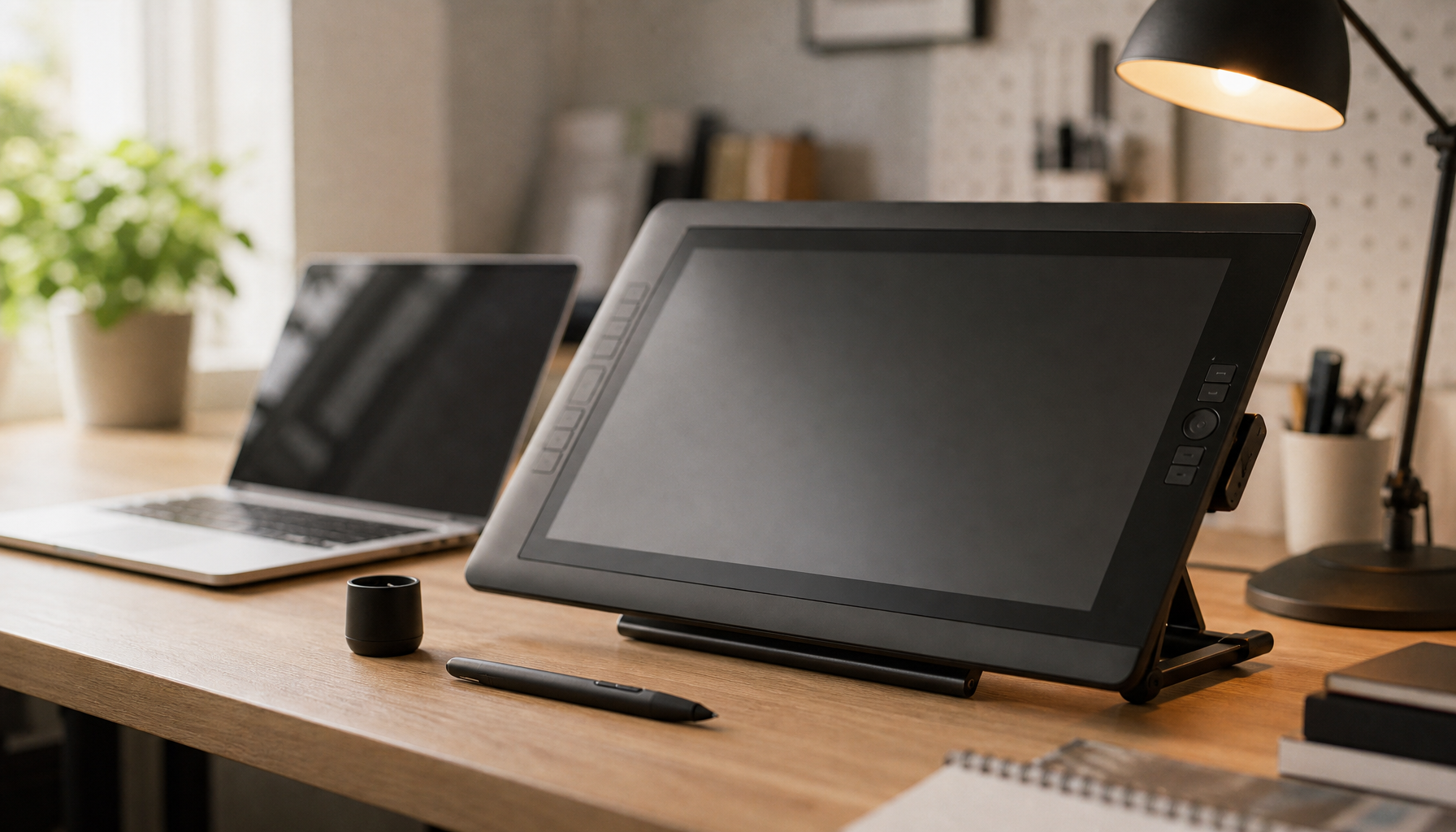
It's a setup that rewards investment in a good tablet stand with adjustable angle, since working flat on the desk for a full day causes more wrist and neck strain than most people expect. A second, smaller monitor off to the side for reference material is common even in a tablet-forward setup, just positioned further from the primary work surface.
The Portable Rig
Some freelance designers never settle into a single fixed desk at all, moving between a home corner, co-working spaces, and client sites. For this group, the “setup” is really a kit: a laptop, a compact tablet, and a portable monitor that rolls up or folds flat, assembled fresh wherever the day's work happens.
This approach sacrifices some of the ergonomic comfort of a fixed rig in exchange for flexibility, and it tends to work best for designers whose client meetings and work sessions happen in different places throughout the week, rather than from a single consistent desk.
Mixing Approaches as Projects Change
Few designers stick rigidly to one of these setups for their entire career. A dual-monitor regular might switch to a tablet-forward arrangement for a few weeks of heavy illustration work, then back again once the project wraps. Treating the desk setup as something that adapts to the current project, rather than a fixed identity, tends to produce better results than forcing every job through the same rig.
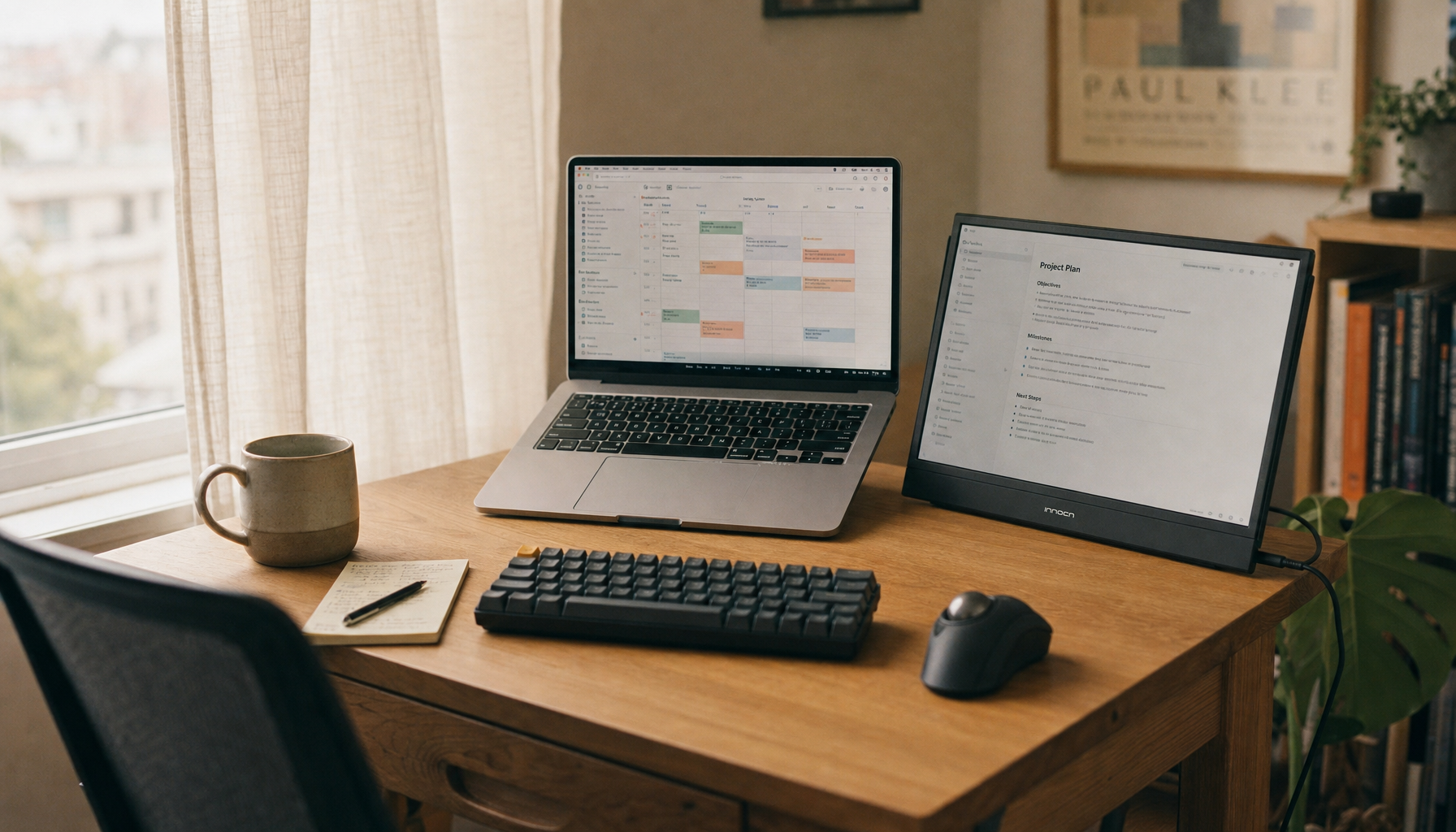
This flexibility matters especially for freelancers whose client mix shifts over time — someone who moves from mostly branding work into more illustration-heavy projects, for instance, often finds their ideal setup shifts with it. This roundup of freelance business links touches on a similar theme of adapting tools to the work rather than the other way around.
Comparing the Four Approaches
| Setup | Best for | Main trade-off |
|---|---|---|
| Single monitor | Focus-heavy work, frequent travel | More window-switching for reference material |
| Dual monitor | Fixed desk, client communication alongside design work | Needs matched color accuracy between screens |
| Tablet-forward | Illustration, retouching, pressure-sensitive work | Less convenient for multitasking |
| Portable rig | Designers who move between locations regularly | Less ergonomic comfort than a fixed setup |
Frequently Asked Questions
Is a dual-monitor setup necessary for professional design work?
No — plenty of professional designers work on a single screen. It's a workflow preference, not a requirement.
What should I prioritize if I can only afford one upgrade to my desk setup?
A properly calibrated primary monitor usually matters more than adding a second screen or upgrading peripherals.
Do tablet-forward setups work for logo and layout design, not just illustration?
Yes, though the benefit is smaller for vector-heavy work than for freehand illustration or photo retouching.
How do I choose between a fixed desk and a portable rig?
It depends on how much the work actually happens in one place. A portable rig makes more sense for designers who regularly work from different locations during the week.