Freelancing without a fixed location removes the structure that a commute and an office schedule used to provide, and a surprising number of freelance designers underestimate how much that structure was actually doing for them. Without it, days blur together or stretch longer than planned, often without producing more actual work.
A routine built for location-independent freelancing doesn't need to copy a 9-to-5 office schedule. It needs fixed anchors — points in the day that don't move regardless of where the work happens — and enough flexibility around them to account for time zones, travel, and the unpredictable parts of running a freelance business.
Fixed Anchors Instead of Fixed Hours
Rather than committing to strict start and end times, which rarely survive contact with a shifting location or time zone, a routine built around two or three fixed anchors tends to hold up better. A consistent wake-up time, a daily check of client messages at the same point each day, and a set cutoff for new work requests are enough structure for most freelancers without the rigidity of a full fixed schedule.
These anchors matter most for clients, who need predictability even if the freelancer's actual working hours shift day to day depending on travel or time zone overlap. A client who knows messages get checked by 10am their time, every day, worries less about radio silence than one left guessing.
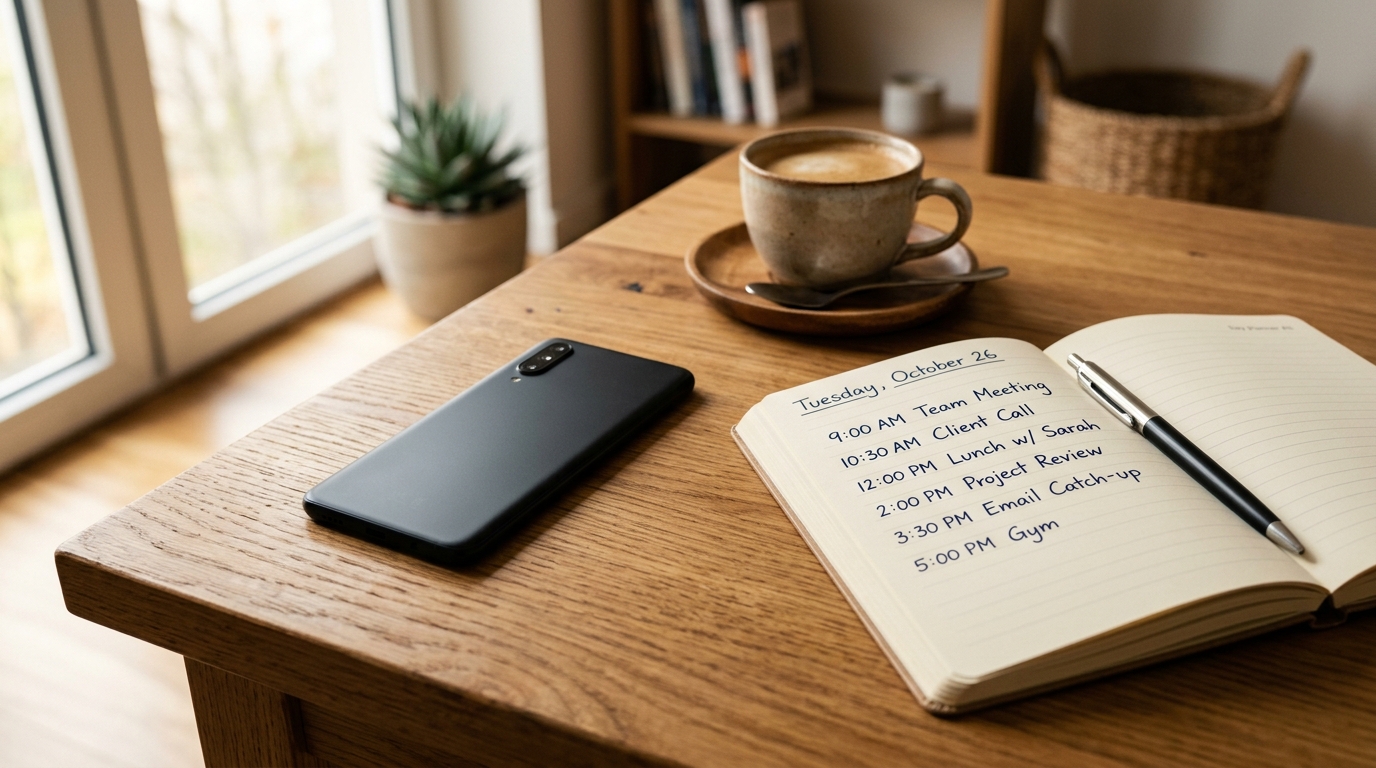
Stating these anchors plainly in a project kickoff email, rather than letting a client discover them by trial and error over the first few weeks, heads off a surprising amount of friction before it starts.
Separating Deep Work From Admin Work
Design work and the business side of freelancing — invoicing, client emails, proposal writing — compete for the same mental energy, and doing them in no particular order tends to drain focus from both. Batching admin tasks into a single block, ideally at a lower-energy point in the day, protects the hours when actual design work gets done.
This separation becomes more important, not less, when the location keeps changing, since travel days already fragment attention without admin tasks interrupting focus blocks further. A simple rule — no email before the first design block is finished — removes a surprising amount of daily friction, even on days without any travel involved at all, a point echoed in this piece on what Fight Club teaches us about freelancing when it talks about protecting focus from constant low-level interruption.
Accounting for Time Zones Honestly
A routine that ignores client time zones creates friction that eventually shows up as missed calls or delayed responses. Blocking out a specific overlap window with each major client's working hours, even a narrow one, removes the guesswork around when a message is likely to get a same-day reply.
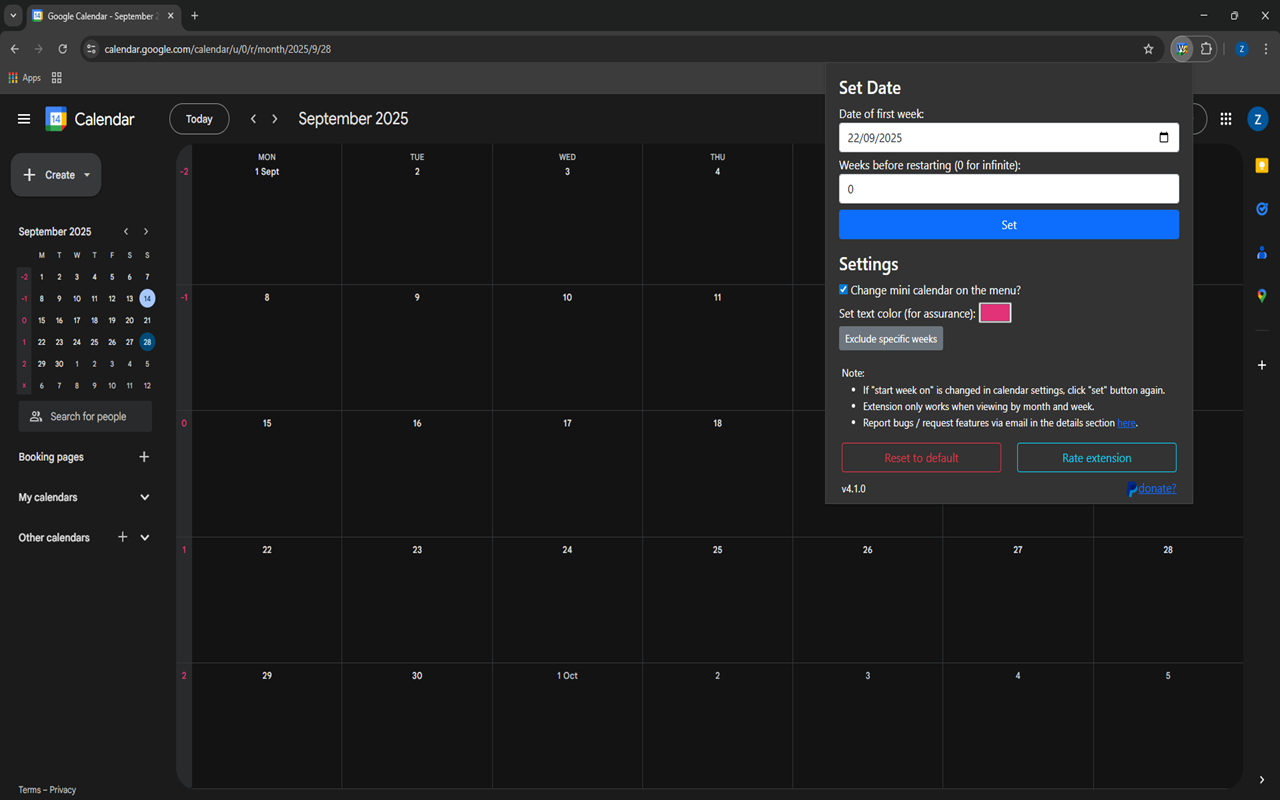
For freelancers juggling clients across several time zones, a simple shared calendar with color-coded overlap windows does more for communication than most project management tools, and it takes an afternoon to set up once rather than being re-negotiated with every new client.
Building in Recovery, Not Just Output
Without an office to physically leave at the end of the day, the boundary between working and not working has to be built deliberately. A short end-of-day ritual — closing specific apps, writing a one-line note about tomorrow's first task — signals the day is over in a way that simply closing a laptop lid doesn't always manage.
Recovery time matters for the same reason rest matters in any physical skill: design judgment is sharper after a real break than after a day that blurs into the evening with no clear stopping point. This account of building passive income streams alongside client work touches on a similar idea — sustainable output depends on knowing when a day is actually finished.
Planning for Weeks, Not Just Days
A daily routine eventually needs a weekly layer on top of it, since not every week looks the same for a freelancer — some bring back-to-back client calls, others are mostly heads-down production time. Looking a week ahead each Sunday or Monday, rather than planning one day at a time, makes it easier to spot a week that's overloaded before it actually happens.

Building in one buffer block somewhere in the week, left deliberately unscheduled, absorbs the inevitable client request that lands at the worst possible time without derailing everything else. This piece on building passive income on the side makes a related point about protecting time for anything that isn't billable client work.
A Simple Daily Structure to Adapt
| Time block | Focus |
|---|---|
| First hour | Check messages, confirm day's priorities — no deep work yet |
| Mid-morning | Primary design work, deep focus block |
| Early afternoon | Client calls within overlap windows |
| Late afternoon | Admin: invoicing, proposals, email |
| End of day | Short wrap-up ritual, note next day's first task |
Frequently Asked Questions
Do I need to work the same hours every day as a freelance designer?
No — fixed hours aren't necessary as long as a few consistent anchors, like a daily client-message check, stay reliable.
How do I manage clients in different time zones without constant late nights?
A defined overlap window for each client, even a short one, is usually enough to manage expectations without working odd hours every day.
Why does separating deep work from admin tasks matter so much?
Switching between the two repeatedly throughout the day drains focus from both, since they draw on different kinds of attention.
What's a simple way to create a boundary between work and personal time without an office?
A short, consistent end-of-day ritual — even something as simple as writing tomorrow's first task — helps mark the day as finished.