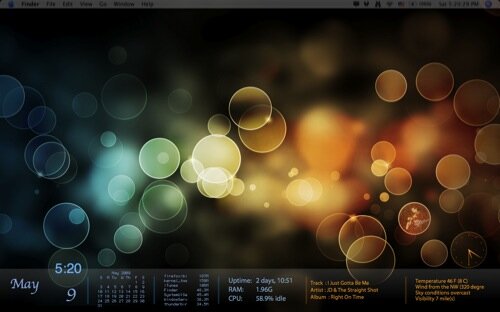
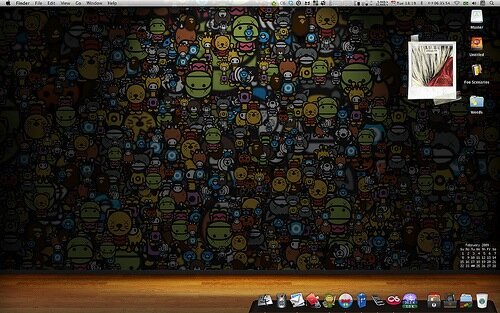
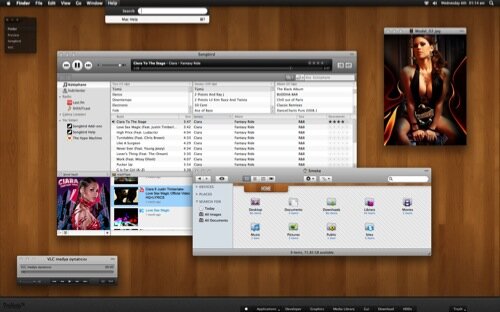
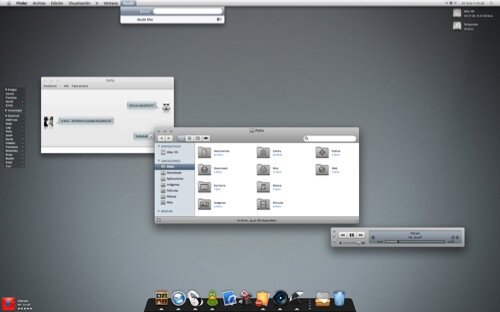
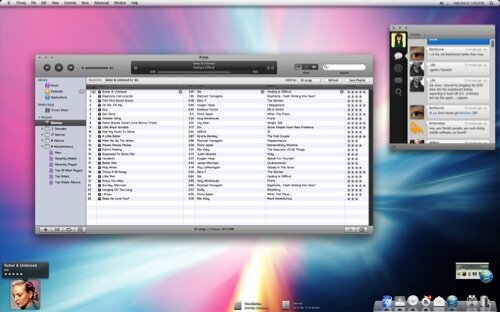
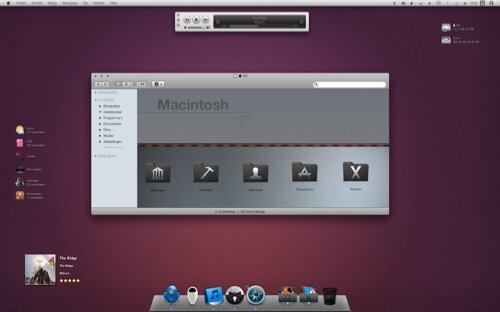
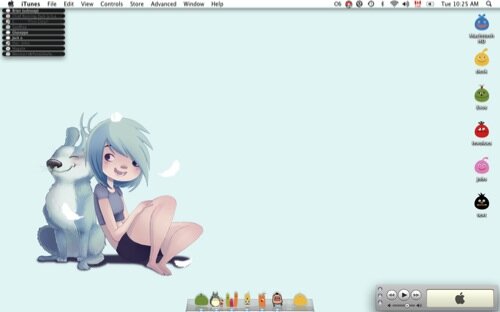
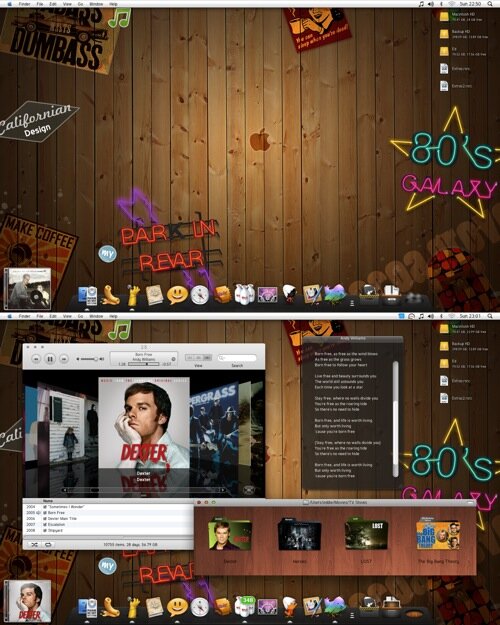
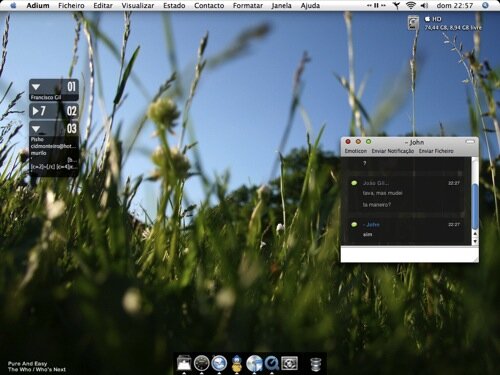
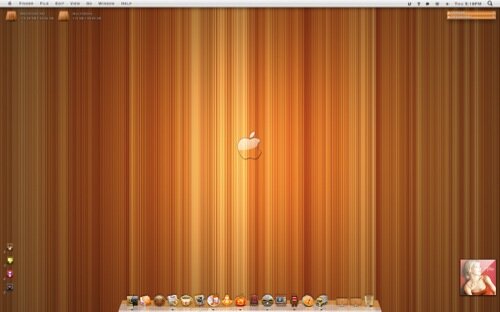
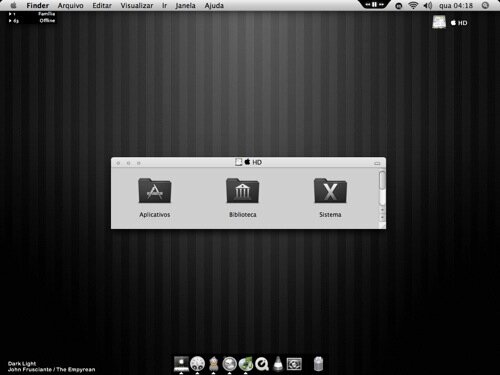
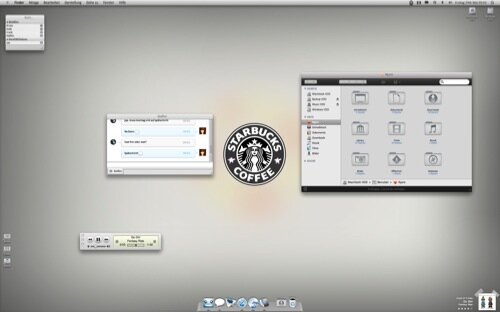
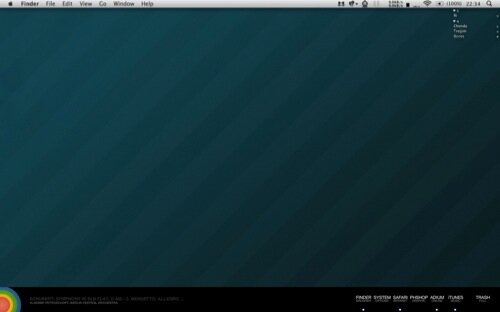
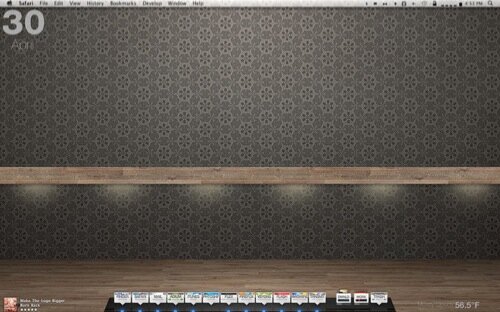
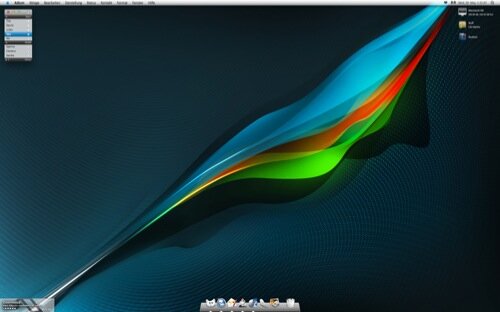
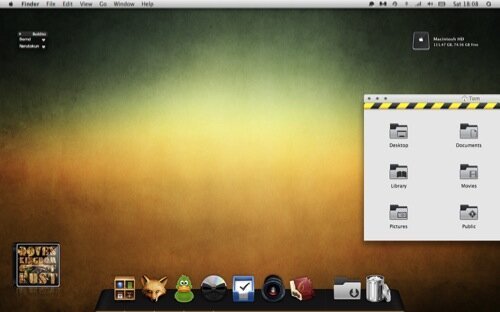
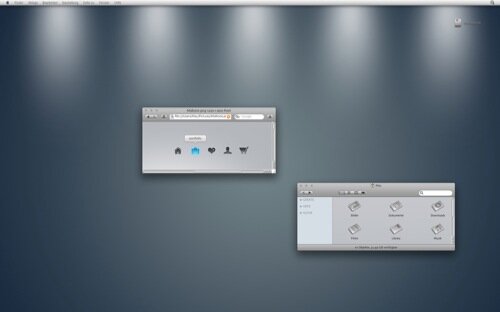
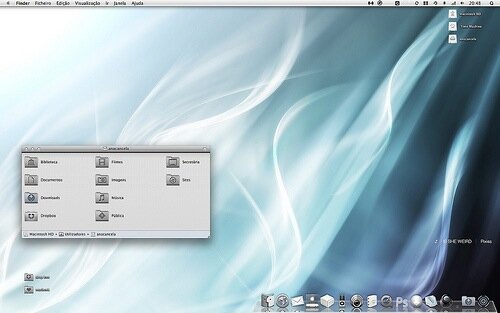
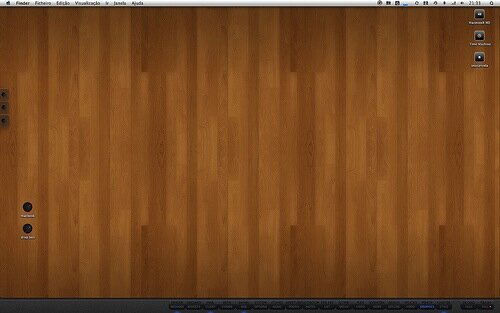
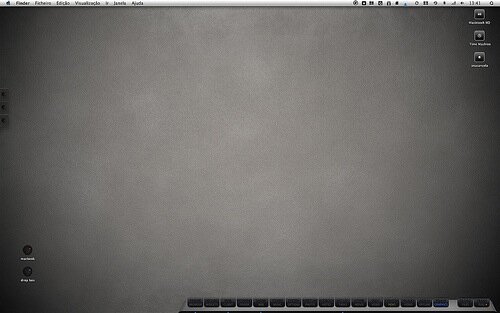
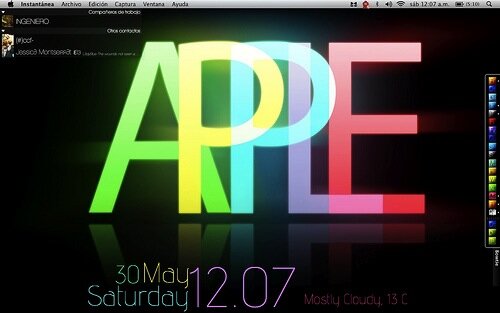
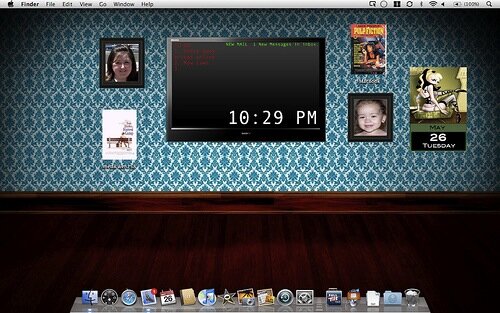
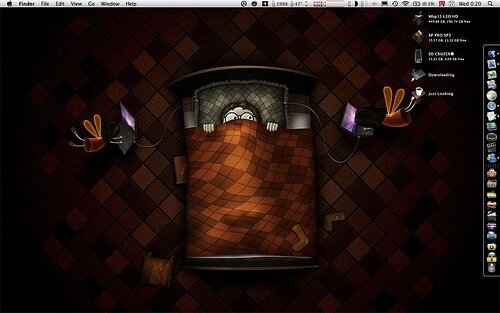
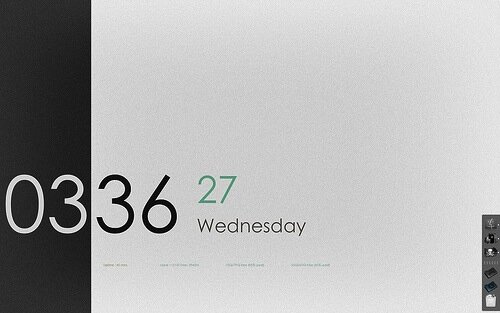
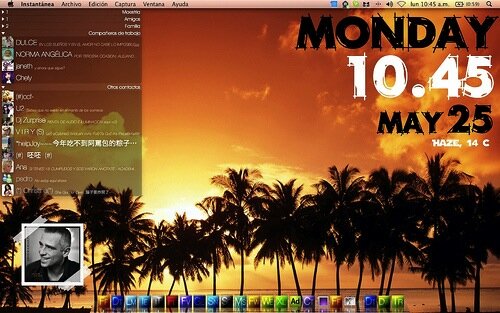
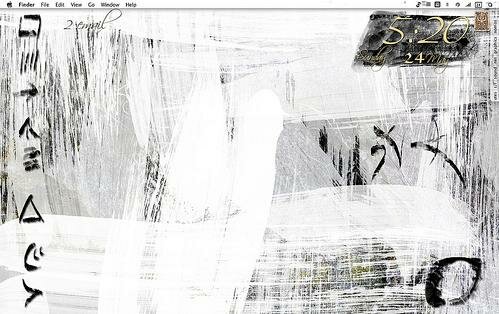
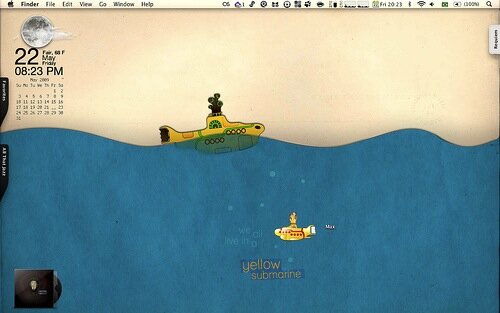
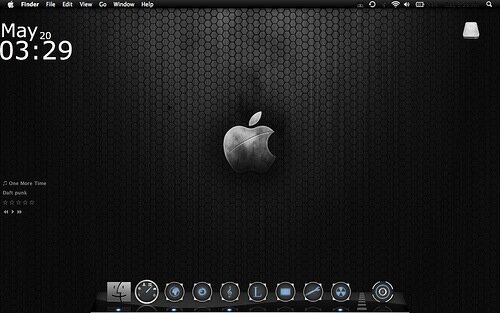
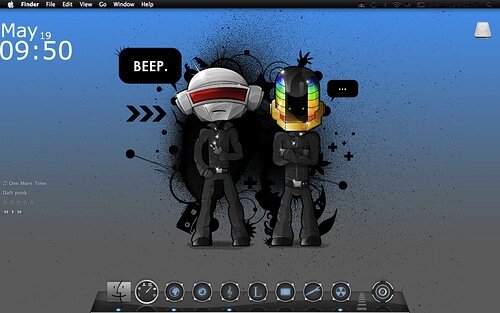
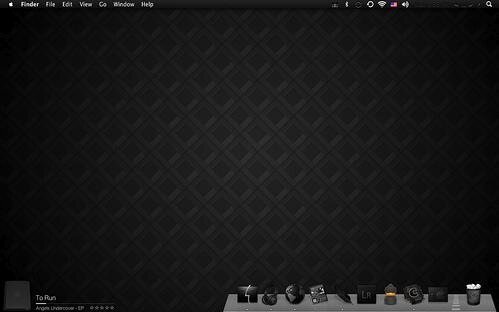
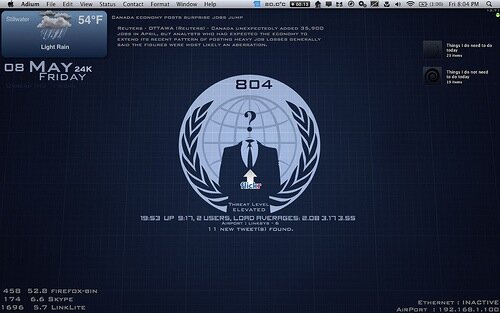
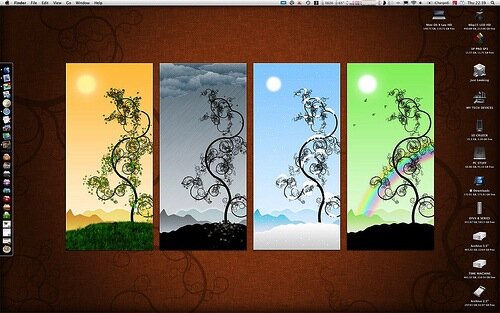
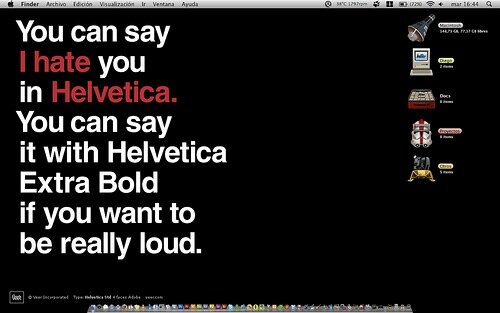
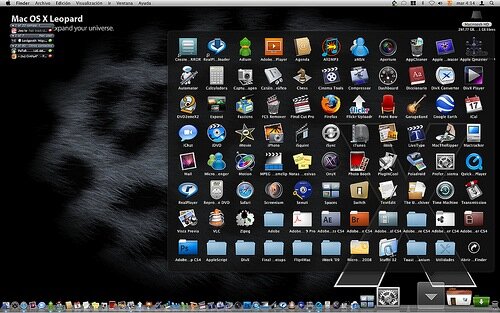
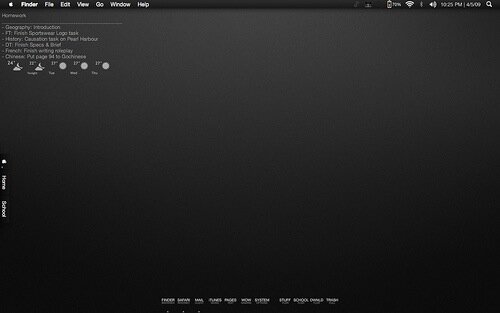
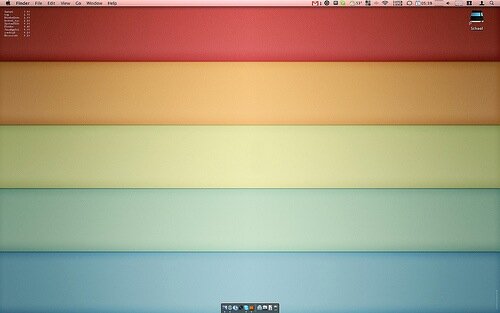
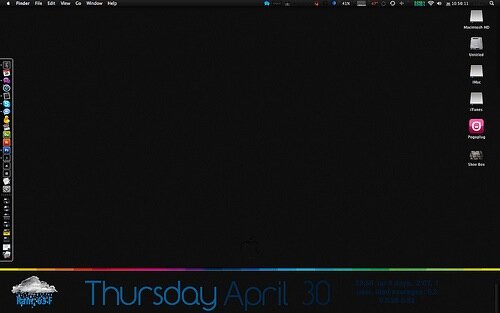
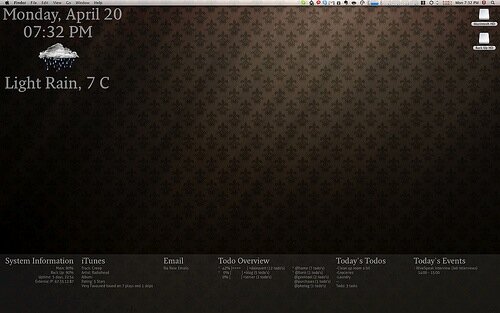
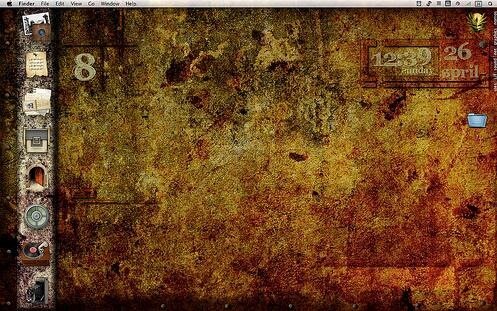
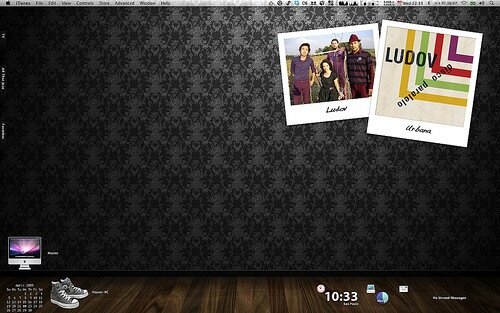
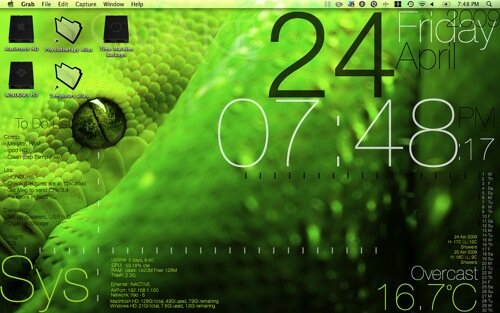
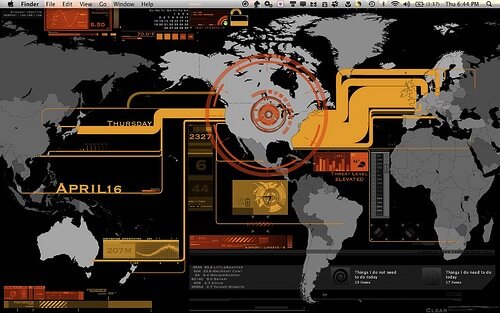
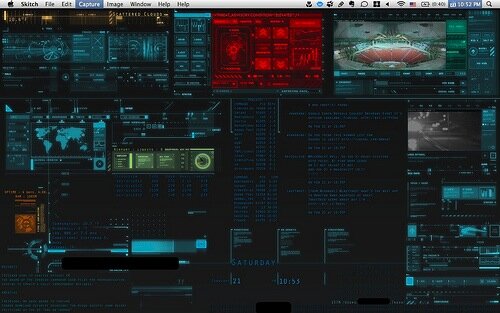
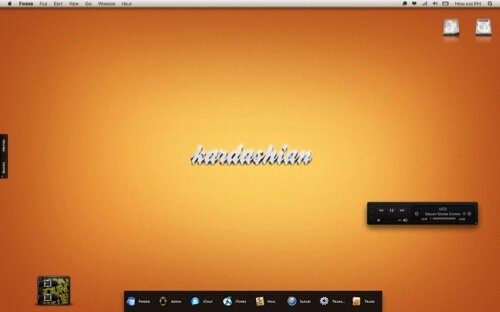
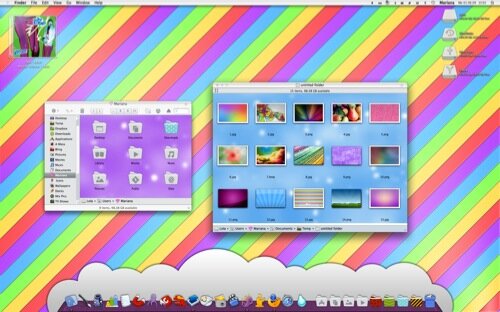
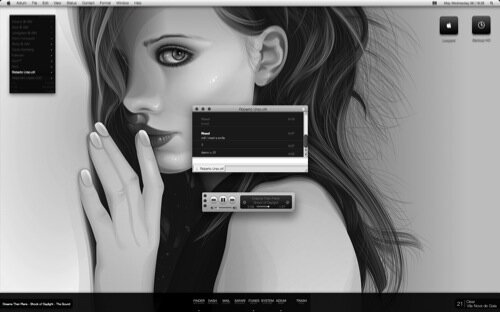
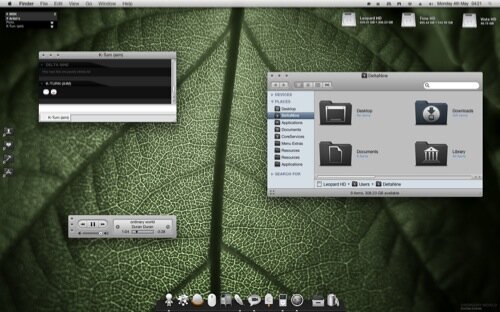
Maybe it is because I am new to Macs, but I had no idea of the extreme customizing options that they had to offer. With just a few tools and additional apps there are all sorts of cool things you can do to create a more custom look and feel to your Mac Desktop and operating system. Today I started browsing the web for some inspiration on how to customize my own Mac desktop. Below are some of the really cool customized desktops that I found. If any of them seem a bit sub par, be sure to click the link to examine all the little details.





18 Comments
I love wallpapers which continue the 3d perspective of the dock - works great.
This is a fabulous display of custom dektops. Great post!
I would love to know how these were done, I’ve looked at tons of GUI programs that all seem like they are inefficient and not universal in the way they modify the system aesthetics…
Great stuff. I’m sticking to linux, but there are certainly some cool Mac desktops. Thanks for sharing.
Wow
Love this! http://www.flickr.com/photos/cesar_santos/3412410937/in/pool-mds
Awesome screenshots! Inspiring Thanks for sharing.
How are the desktop clocks/calendars being accomplished in OS X?
Is this a Dashboard widget, or other software?
I have the same question. Is this a Dashboard widget or something else?
Hey, check this out if you want to put widgets on your dashboard!
http://www.macosxtips.co.uk/index_files/terminal-commands-for-hidden-mac-os-x-settings.html
GeekTool: http://projects.tynsoe.org/en/geektool/
Example on how to do clocks/calendaring and weather using GeekTool: http://iamawesome.net/2009/04/my-geektool-setup/
Cheers.
Some of these are absolutely beautiful and some are totally horrendous. My personal preference is to have as little on my desktop/in my dock as I can. I use an application (forgot name) that mounts my discs and drives in the dock and then I use quicksilver to launch my applications. This basically means I have a totally empty desktop and only the apps that are currently running in the dock. I use desktoptopia to rotate my Wallpaper every now and again.
Owww… Awesome screenshots!!! Post the wallpapers!!!
Excellent wallpaper for me. Thanks for sharing !
Very nice! Many thanks for this post, i love Apple
Sweet. I should post mine, :D.
The problem with geektool is that reduce your battery charge…mine went from 1 1/2 to 35 minutes….no thanks
Check your update interval…some things don’t need to updated more then every 15 mins or so, or even twice a day (like date/day, especially month)
This is probably one of the best features that Mac offers that Windows can’t. Mac’s interface is very smooth and the desktop looks really nice. Thanks for sharing this!
4 Trackbacks
[...] 50 Custom Mac Desktop Screenshots [...]
[...] Outlaw Design Blog » 50 Custom Mac Desktop Screenshots [...]
[...] Outlaw Design Blog » 50 Custom Mac Desktop Screenshots [...]
[...] Outlaw Design Blog » 50 Custom Mac Desktop Screenshots Great Custom Mac Desktop Screens!!! (tags: design inspiration geek desktop wallpaper awesome) [...]